Professional Website Audit: What Happens During the Process?
???? Key Takeaways
A professional website audit comprehensively covers technical health, SEO, performance, security, UX, and content.
A WordPress audit focuses heavily on plugins, themes, core updates, and database optimization.
A technical website audit examines server response times, crawl errors, indexation, and structured data.
An SEO website audit analyzes on-page optimization, backlinks, keyword gaps, and meta tags.
A website performance audit measures Core Web Vitals, page speed, image optimization, and caching.
Expect a comprehensive report with prioritized fixes, detailed recommendations, and actionable steps.
Expert audit services usually take 3–10 business days depending on site size.
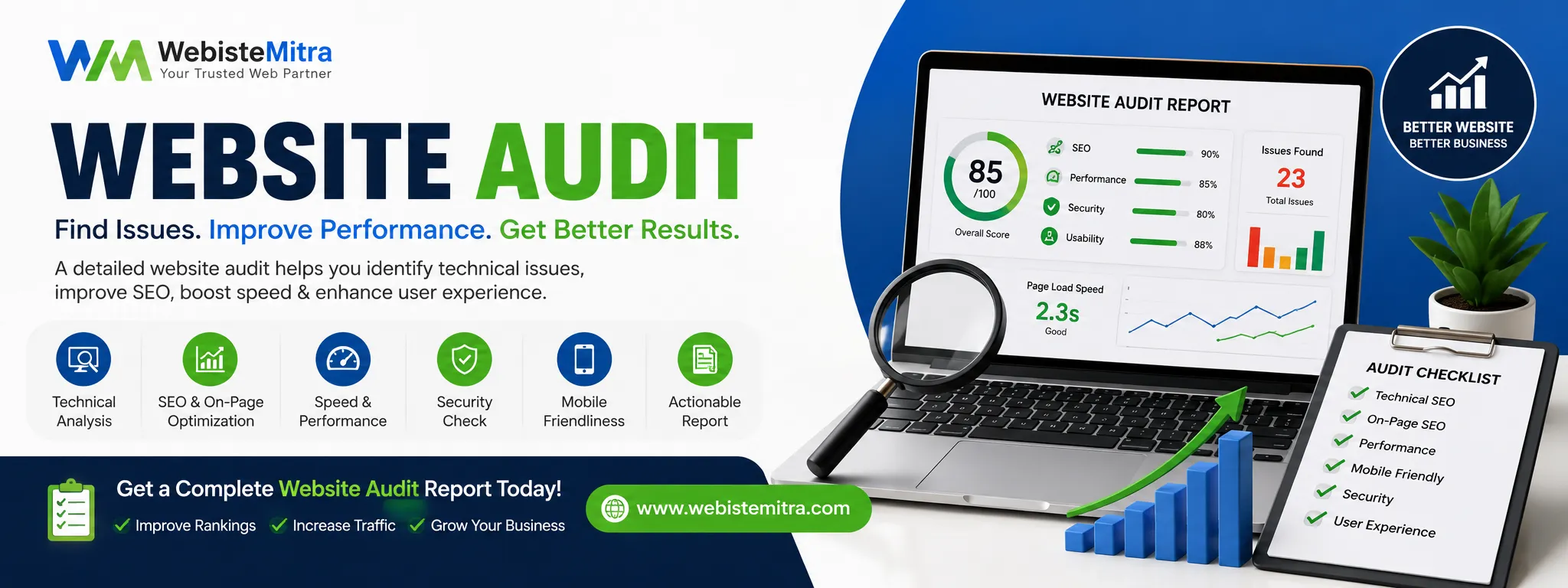
(Insert Featured Image Here) Image Alt Text: An SEO expert reviewing data on a laptop during a professional website audit.
What Is a Professional Website Audit?
A professional website audit is an in-depth, systematic evaluation of your website’s overall health, performance, search visibility, security, and user experience. It goes far beyond a simple automated site analysis — it’s a comprehensive checkup performed by actual SEO experts, developers, and content strategists. When you ask, “What happens during a professional website audit?” the answer is a multi-layered investigation that uncovers every single obstacle standing between your site and its full revenue potential.
Whether you need a specialized WordPress audit, a deep technical website audit, or a full SEO website audit, the ultimate goal is exactly the same: identify hidden issues, prioritize fixes, and create a clear roadmap for measurable improvement. Expert audit services typically include crawling your entire site, analyzing server logs, reviewing code quality, checking mobile usability, and much more.
⚡ Why It Matters for Your Online Success
Your website is your primary digital storefront. If it loads slowly, contains broken links, or confuses visitors, they will leave — often forever. Today, Google explicitly uses website performance audit signals (like Core Web Vitals) as strict ranking factors. Consequently, a single technical flaw can tank your rankings and revenue.
By understanding the mechanics behind a professional website audit, you realize it’s not just about fixing basic errors; it’s about building a sustainable, high-performance asset that attracts organic traffic and consistently converts leads.
Search engines reward healthy sites: Technical health directly impacts your crawl budget and overall indexation.
User experience equals retention: Speed, intuitive navigation, and mobile-friendliness keep people actively engaged.
Security vulnerabilities: A thorough WordPress audit frequently reveals outdated plugins or dangerously weak file permissions.
Competitive edge: Most of your competitors ignore regular audits — this is your opportunity to jump ahead.
✅ Benefits of a Thorough Website Audit
Improved search rankings through targeted SEO website audit insights.
Significantly faster load times after a website performance audit identifies backend bottlenecks.
Higher conversion rates because users enjoy a completely frictionless browsing experience.
Early detection of critical security risks (malware, SQL injections, XSS).
Better crawl efficiency for search engine bots navigating your architecture.
A clear, data-driven roadmap provided directly from professional audit services.
Massively increased ROI from your ongoing marketing efforts and ad spend.
⚙️ How It Works – The Audit Process
Every expert follows a structured, rigorous framework when executing a professional website audit. Here is the high-level workflow you can expect:
Discovery & Goal Setting: Understanding your business, target audience, and KPIs.
Comprehensive Crawl: Using enterprise tools like Screaming Frog or Ahrefs to map every URL.
Technical Analysis: Checking robots.txt, sitemaps, canonical tags, redirects, and schema markup.
On-Page SEO Review: Auditing meta titles, descriptions, heading structure, internal linking, and keyword usage.
Performance & Speed: Measuring Core Web Vitals, image compression, caching, and render-blocking resources.
Security & WordPress Audit: Scanning for plugin vulnerabilities, theme updates, file permissions, and database health.
Content & UX Evaluation: Assessing readability, broken links, mobile experience, and accessibility.
Backlink Profile Analysis: Identifying toxic links, domain authority, and anchor text distribution.
Reporting & Prioritization: Delivering a detailed report categorized by critical, high, medium, and low issues.
???? Step-by-Step Guide: What Happens During a Professional Website Audit
Let’s walk through each specific phase in detail so you know exactly what to expect from professional audit services.
Step 1: Initial Consultation & Goal Alignment First, your auditor will ask about your primary business objectives, target keywords, main audience, and any recent major site changes. This explicitly ensures the professional website audit focuses on what truly matters to your bottom line.
Step 2: Full Site Crawl & Indexation Check Using powerful, industry-leading crawlers, the expert examines every page, image, CSS, and JS file. They rigorously check Google Search Console for index coverage errors and manual actions.
Step 3: Technical Website Audit Deep Dive This crucial phase includes analyzing server response codes (4xx, 5xx), redirect chains, hreflang tags, pagination issues, and structured data validation. A solid technical website audit forms the absolute backbone of any serious SEO strategy.
Step 4: SEO Website Audit – On-Page & Off-Page Next, your expert reviews title tags, meta descriptions, header tags (H1–H6), internal linking, keyword cannibalization, and duplicate content. They also heavily evaluate your backlink profile to disavow toxic links.
Step 5: WordPress Audit (If Applicable) For WordPress sites, a dedicated WordPress audit verifies your core version, theme vulnerabilities, plugin conflicts, database optimization, user roles, and security hardening protocols.
Step 6: Website Performance Audit Tools like Google PageSpeed Insights, Lighthouse, and WebPageTest measure LCP, FID, CLS, and TTFB. The audit actively suggests image optimization, lazy loading, CDN usage, and caching improvements.
Step 7: Content & User Experience (UX) Review The content audit specifically examines readability, engagement metrics, thin content, and missing alt texts. Meanwhile, the UX review covers navigation fluidity, mobile responsiveness, and accessibility compliance (WCAG).
Step 8: Security & Malware Scan Professional audit services always include a strict security sweep: malware detection, firewall review, SSL certificate validity, and file integrity checks.
Step 9: Reporting & Action Plan Finally, you receive a comprehensive report featuring an executive summary, prioritized issues, step-by-step fixes, and estimated effort requirements.
???? Real-World Examples & Before/After
Example 1 (eCommerce WordPress site): A WordPress audit revealed 23 outdated plugins, missing schema on product pages, and a slow 4-second LCP. After applying the recommended fixes, rankings jumped from page 4 to the top 3 for their main keywords, and conversions increased by 34%.
Example 2 (SaaS blog): A technical website audit found 1,200 broken internal links and heavily incorrect canonical tags. Once properly resolved, their organic traffic grew by 180% in just 3 months.
Example 3 (Local service business): A website performance audit showed an image-heavy homepage loading in a sluggish 8.2 seconds. After compressing images and implementing aggressive caching, page speed dropped to 1.9 seconds, and their bounce rate fell by 22%.
???? Comparison Table: Audit Services vs DIY Scanning
❌ Common Mistakes Website Owners Make
Ignoring mobile usability during a site analysis.
Running only one SEO website audit and never repeating the process.
Focusing only on visual speed while completely neglecting the technical website audit.
Not checking for duplicate content or keyword cannibalization.
Skipping a WordPress audit and leaving vulnerable plugins outdated.
Using only automated tools without human expertise or context.
Delaying the actual implementation of the audit recommendations.
???? Expert Tips for a Smooth Audit
Always back up your site completely before making changes based on audit results.
Run a website performance audit from several different geographic locations.
Combine your audit services with competitor analysis for maximum market impact.
Use a dedicated staging environment for testing WordPress audit changes safely.
Review your server log files to fully understand real search engine bot behavior.
Don’t try to fix everything at once — prioritize the critical and high-impact issues first.
???? Best Practices After Your Audit
Create a strict 30-60-90 day implementation plan based directly on your report.
Monitor your keyword rankings and organic traffic weekly after each major fix.
Schedule another professional website audit every quarter (or immediately after major updates).
Integrate the audit findings into your broader content strategy.
Document all backend changes for future reference and team alignment.
????️ Recommended Tools for Site Analysis
Screaming Frog SEO Spider – Essential for a complete technical website audit.
Ahrefs / SEMrush – Industry standards for SEO website audits and backlink analysis.
Google PageSpeed Insights + Lighthouse – The absolute best for a website performance audit.
WPScan / Wordfence – Dedicated WordPress audit security tools.
Google Search Console – Official Google index and performance data.
Hotjar / Microsoft Clarity – Excellent for UX heatmaps and behavior analysis.
GTmetrix – Advanced performance waterfall tracking.
(Note: Many of these tools are utilized by professional audit services to generate actionable insights. Visit the WordPress Plugin Shop to find premium plugins that automate parts of this process).
???? Troubleshooting Audit Findings
Sometimes audit results can feel overwhelming. Here is exactly how to handle common scenarios:
“Too many 404 errors”: Set up 301 redirects for deleted pages or completely recreate the valuable content.
“Slow TTFB (Time to First Byte)”: Upgrade your web hosting, enable PHP opcache, and immediately use a CDN.
“WordPress plugins causing conflicts”: Deactivate all plugins, then reactivate them one by one. Replace severely outdated plugins with modern alternatives from trusted sources.
“Duplicate content issues”: Implement proper canonical tags and consolidate similar pages to avoid confusing search engines.
“Low Core Web Vitals scores”: Optimize Largest Contentful Paint (LCP) by compressing massive hero images and removing render-blocking scripts.
❓ FAQs – Website Audit Questions Answered
What is included in a professional website audit? A full audit includes deep technical analysis, on-page SEO evaluation, performance metrics, a security scan, mobile usability testing, a backlink review, content quality assessment, and a prioritized action plan.
How long does an audit take? Depending on the exact size of your site, a professional website audit typically takes between 3 and 10 business days. Larger enterprise sites with thousands of pages may require up to two weeks for a thorough analysis.
Do you audit WordPress websites? Absolutely. A dedicated WordPress audit is a core part of comprehensive audit services. Experts examine core versions, theme integrity, plugin vulnerabilities, database optimization, and user roles.
Will you find security issues? Yes! Detailed security scanning is always included. The audit detects malware, outdated components, weak passwords, insecure file permissions, and other hidden threats.
Can you improve website speed? Definitely. Through a website performance audit, bottlenecks like unoptimized images, excessive JavaScript, poor caching, and slow hosting are identified, providing you with concrete steps to speed up your site.
Will I receive a detailed report? Yes! You will get a highly comprehensive report featuring an executive summary, categorized findings (critical, high, medium, low), visual screenshots, and incredibly clear instructions for each fix.
What is the difference between a technical audit and an SEO audit? A technical website audit focuses strictly on server infrastructure, crawlability, indexation, structured data, and code health. An SEO website audit covers on-page optimization, keywords, meta tags, content gaps, and backlinks. Both are absolutely essential.
How often should I run a website audit? It is highly recommended to run a full professional website audit at least every quarter. If you make major structural changes (redesign, migration, new plugins), run an audit immediately afterward.
???? Conclusion
Now you know exactly what happens during a professional website audit. It is far more than a quick speed test — it’s a deep, data-backed examination of every single element that affects your site’s online success. From the technical website audit and SEO website audit to a specific WordPress audit and website performance audit, each layer directly reveals powerful opportunities to grow your traffic, improve the user experience, and heavily increase revenue.
Expert audit services provide total clarity when you feel overwhelmed with metrics, giving you a battle-tested roadmap for the future. Whether you run a small specialized blog or a massive eCommerce empire, regular site analysis remains the ultimate secret to staying permanently ahead of competitors and algorithm updates.
???? Ready to Transform Your Website?
Don’t leave your site’s digital health to chance. Book a professional website audit today, or supercharge your backend with premium tools from the WordPress Plugin Shop. Start dominating your search results now!